Case Study
Web3Auth started its life as Torus. Sharp edges, high contrast, dense interfaces. It worked for the developers and Web3 enthusiasts who lived in it every day. But as the company rebranded and shifted focus toward onboarding Web2 users into Web3, that visual language started working against us.
New users finding Web3 intimidating enough without the interface reinforcing that feeling. We needed the user-facing product to feel mainstream, approachable, and human. But a complete visual overhaul would have alienated the developer community who relied on the consistency they already knew.
That tension is where this design system came from.
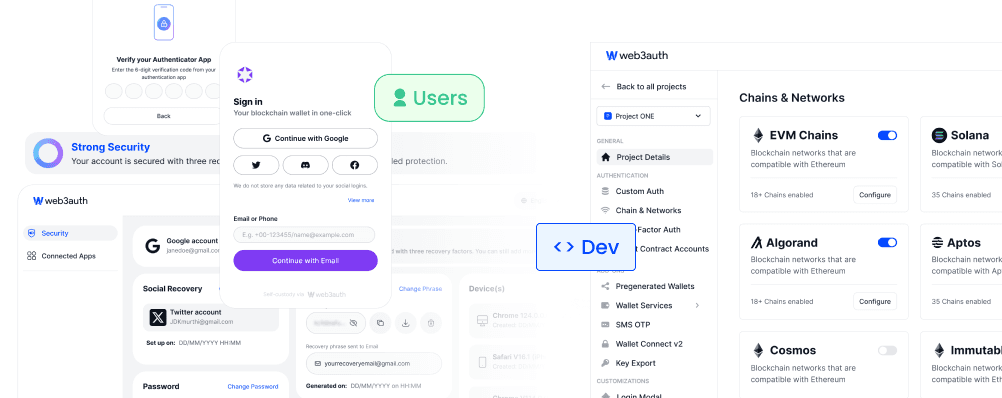
Two audiences. Two very different expectations. Developers wanted density, precision, and familiarity. New Web3 users needed warmth, clarity, and guidance. Serving both from a single product without making either feel like an afterthought was the problem we were trying to solve.
We could have built two separate design systems. As a team of three designers, that was never a real option. We needed one system smart enough to behave differently depending on where it was being used.
Single Source of Truth
Created a central component library in Figma, structured into:
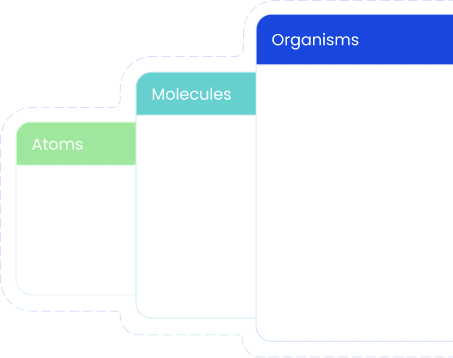
Atoms, Molecules, Organisms
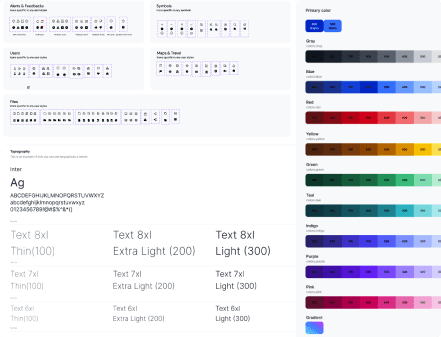
Shared foundations (color, type, spacing, grids)
Light/Dark modes with contextual overrides
Smart Component Variants
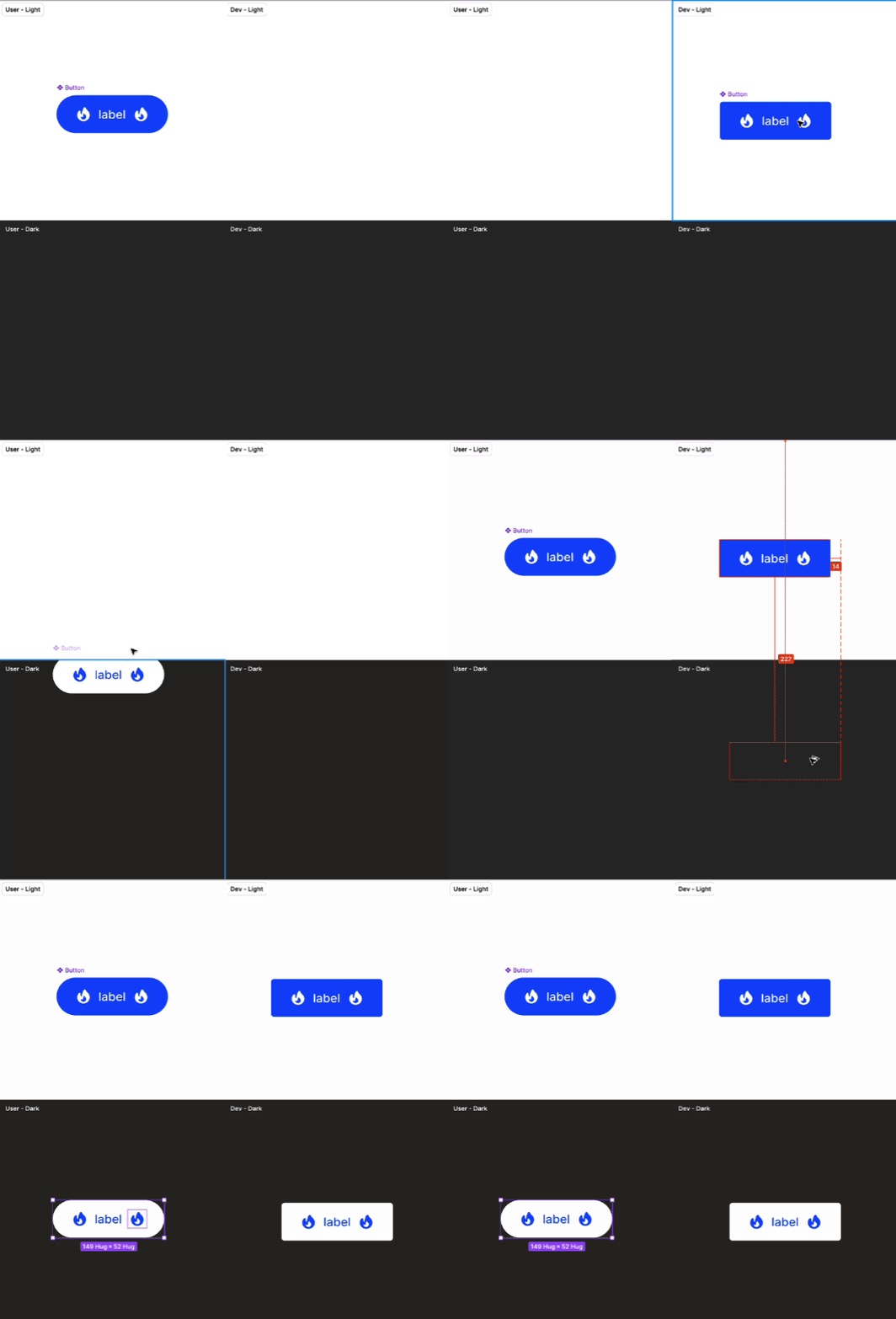
Used Figma variables and conditional properties to dynamically alter component styles based on where they're used:
Corner Radius: More rounded in user-facing contexts, sharper in developer UIs
Icons: Auto-switch between outlined (developer-facing) and solid (user-facing)
Typography & Spacing: Adjusts based on density and hierarchy needs
The friction between design and engineering is almost gone. Redundant component creation is down by roughly half. More importantly, the user-facing product now feels genuinely different from the developer dashboard, while both clearly belonging to the same system.
What used to be a tension between two audiences became a feature of how we build.
© 2025 Vinay Sagar. All Rights Reserved.